

How to withdraw via Absa CashSend?
Betway has made it easy to access your winnings by using Absa CashSend option for withdrawals. You can withdraw your winnings by following the easy steps below.
Step 1: Visit Betway.co.za and log in to your account
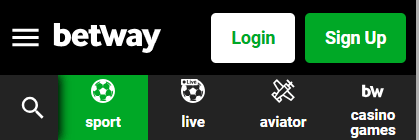
Step 2: Navigate to withdraw, by opening the hamburger menu and selecting Withdraw Funds

Step 4: Choose Absa CashSend
Step 5: Enter an amount to withdraw
Step 6: Tap Withdraw Now
Step 7: Check your details and select Confirm Withdrawal
Once you receive your unique 10-digit pin from Absa, visit any Absa ATM and enter your 10-digit pin, then enter the generic Betway access code (238929) to withdraw your funds.
Withdrawals are free and you do not need to have an Absa bank account to use this option.
>>> To withdraw now, Click here
Once you receive your unique 10-digit pin from Absa, visit any Absa ATM and enter your 10-digit pin, then enter the generic Betway access code (238929) to withdraw your funds.
Withdrawals are free and you do not need to have an Absa bank account to use this option.
>>> To withdraw now, Click here