

How to deposit with Credit/Debit card Via Peach Payments?
Step 1: Go to Betway.co.za and tap Login or Sign Up

Step 2: Tap on Deposit

Step 3: Select the Credit/Debit Card option (Peach option is indicated by the “Secured by Peach Payments” infographic). We can process Visa, Mastercard and American Express (Amex)

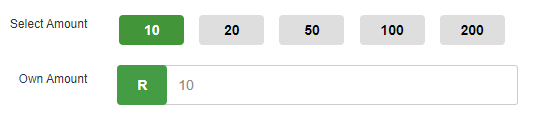
Step 4: Enter the amount you’d like to deposit and tap Proceed

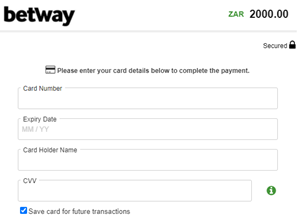
Step 5: Enter your card details (number, expiry date, card holder name & CVV), then tap Next
Tip: select "Save details for future use" to make depositing easier the next time.
TAKE NOTE!!
Previously tokenized cards used via Paygate WILL NOT be available on Peach, they would need to be added again.
Tip: select "Save details for future use" to make depositing easier the next time.
TAKE NOTE!!
Previously tokenized cards used via Paygate WILL NOT be available on Peach, they would need to be added again.
Step 6: Confirm the transaction by clicking on ‘Pay Now’
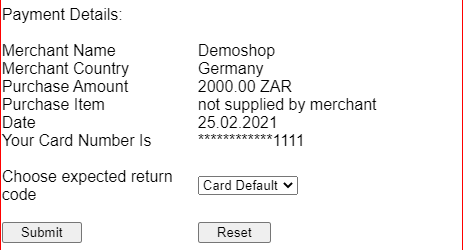
Step 7: You will then be directed to the confirmation page where the 3D secure confirmation token/PIN must be entered
Enter the token/PIN received from the bank and click on Submit
Enter the token/PIN received from the bank and click on Submit
Step 8: Once your transaction has been processed, you can begin placing bets
>>> To Deposit now, Click here
>>> To Deposit now, Click here