
How To Update Cell Phone Number/Account Number?
Step 1: Visit Betway.co.za and login to your account

Step 2: Go to the burger menu and select Update Details under My Account
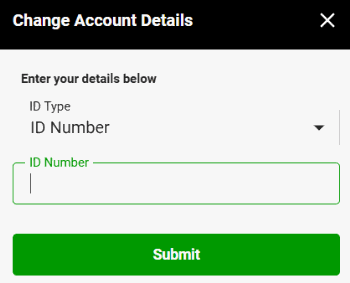
Enter your ID or Passport number

Enter your ID or Passport number
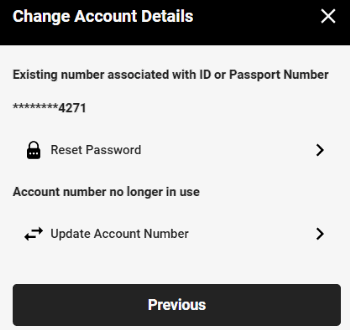
Step 3: Select update account number
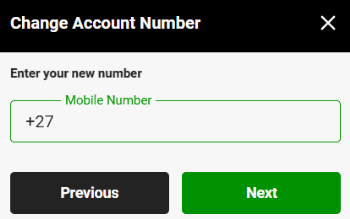
Step 4: Enter your new mobile number
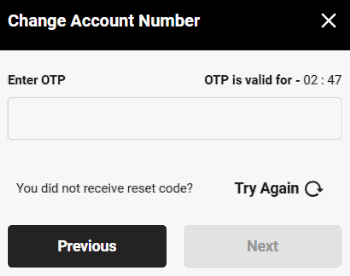
Step 5: You will receive an OTP via SMS. Enter it and tap next
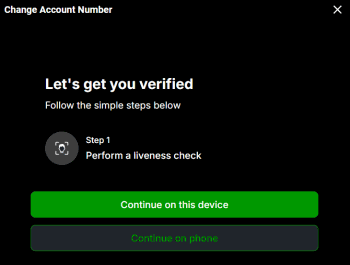
Step 6: Next, you’ll be asked to complete a liveness check. Choose which device to complete it on
Step 7: APrepare for the liveness check:
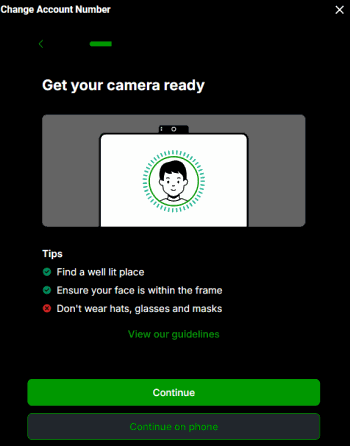
- Ensure you’re in a well-lit area
- Make sure your face is fully visible within the frame
- Do not wear hats, glasses, or masks
Step 8: Once completed, your liveness check will be verified
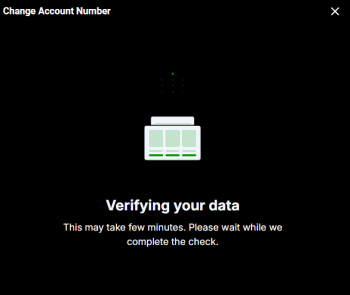
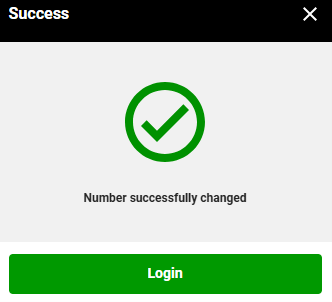
Step 9: Your account number will now be updated