Step 1: Visit Betway.co.za and tap Sign Up
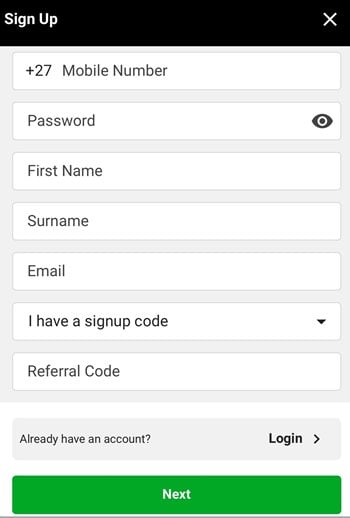
Step 2: Enter your mobile number, password, name and surname (as it appears on your ID), and email address (optional)
If you have a promotional code, tap the box for sign-up codes to enter it.
Tap Next to continue
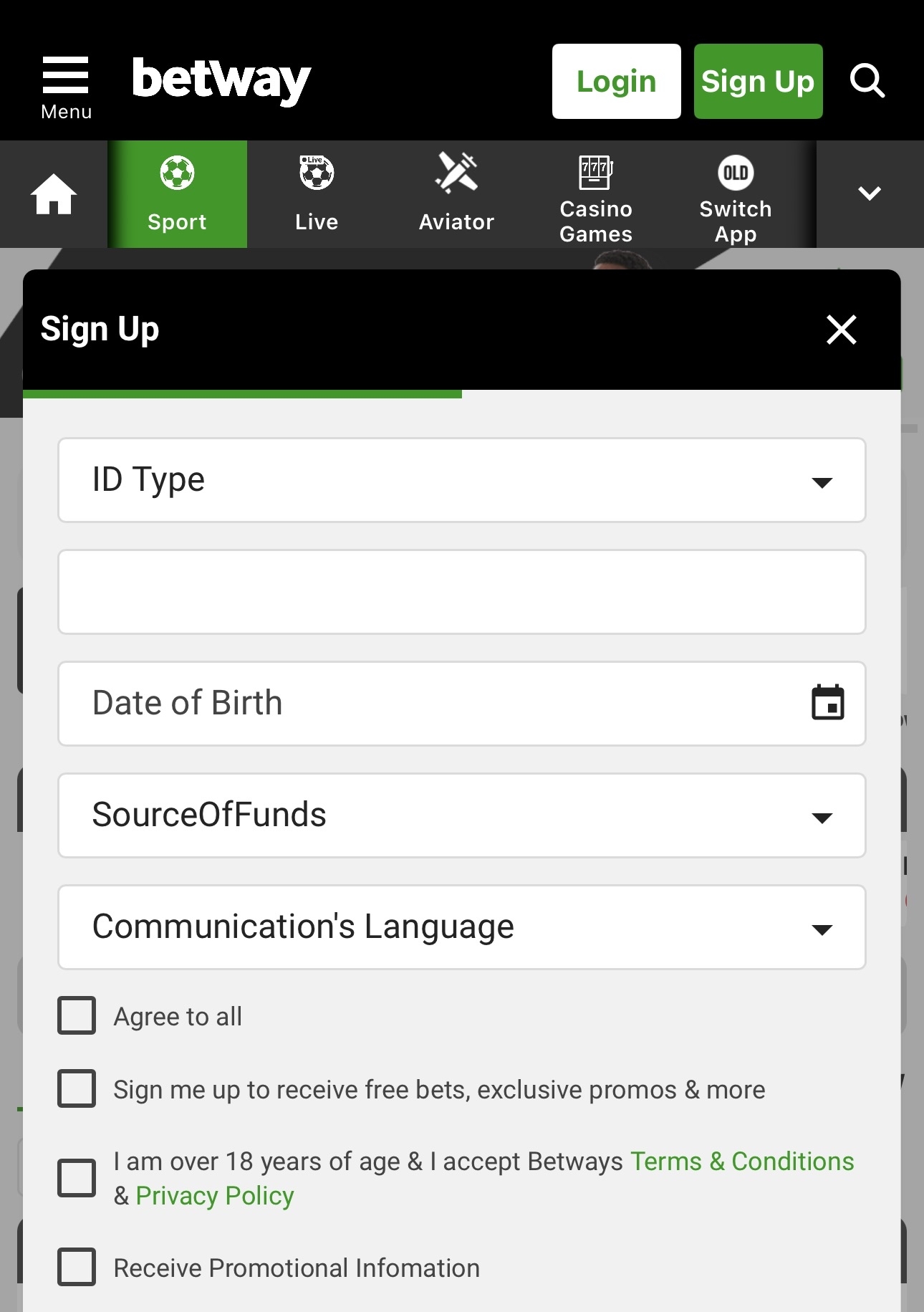
Step 4: You need to select your ID Type, either an ID or a Passport. You would then need to enter your ID/Passport number, then date of birth, select a Source of Funds and your preferred language
You will then need to agree to the terms and conditions, accept any optional communications
Step 5: If you are over 18 and accept Betway’s Terms and Conditions, tap the box