

How to reset your password?
Step 1: Visit Betway.co.za

Step 2: Tap Login and enter your mobile number
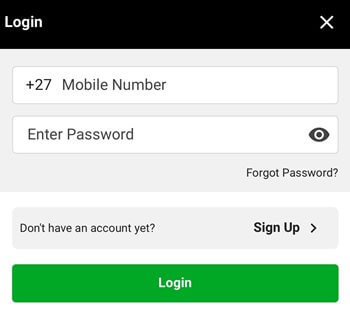
Step 3: Tap Forgot password?
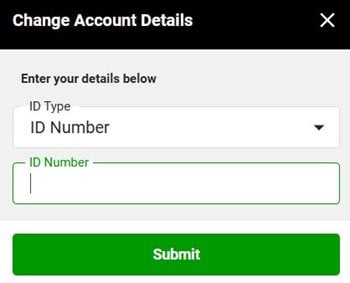
Step 4: Enter your ID or Passport number
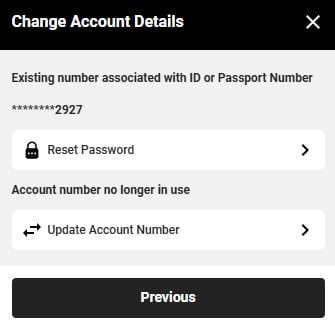
Step 5: Select Reset Password
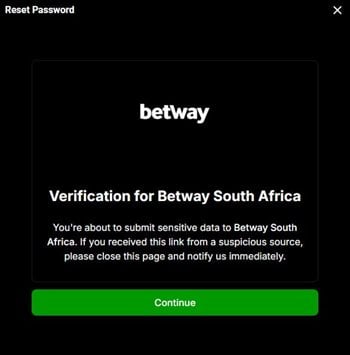
Step 6: Next, you'll receive a verification message, tap Continue
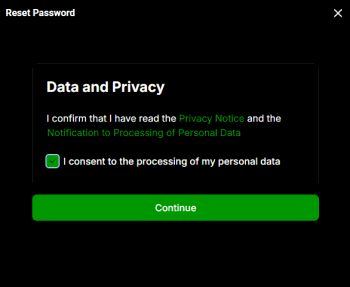
Step 7: Tick the box to consent to the processing of your personal data
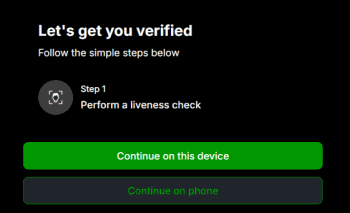
Step 8: Next you'll be asked to complete a liveness check. Choose which device to complete it on
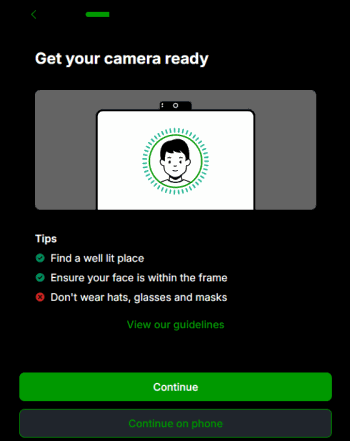
Step 9: Prepare for the liveness check:
- Ensure you’re in a well-lit area
- Make sure your face is fully visible within the frame
- Do not wear hats, glasses, or mask
>>> To Reset your password now, Click here